
TPower Withdrawal Pending? Processing Steps & Troubleshooting Guide
A TPower withdrawal pending status can be confusing when you are unsure whether the request is still processing or whether something requires your attention.
A pending withdrawal does not automatically mean that the transaction has failed. Depending on the circumstances, the request may still be processing, account or payment information may require checking, or additional action may be required before the transaction reaches its final status.
The most important first step is to check the existing transaction rather than immediately submitting another withdrawal request.
This guide explains how to check a pending withdrawal, understand different transaction statuses, troubleshoot common problems and prepare the appropriate information if you need additional assistance.
Quick Answer: If your TPower withdrawal is pending, log in to your account, locate the original transaction, check its current status, verify the submitted payment details and review any account notices. Avoid creating duplicate withdrawal requests while the original transaction is still unresolved.
Quick Answer: What to Do First
If you have already submitted a withdrawal and it remains pending, work through these checks in order:
- Check Transaction Status: Open your transaction or withdrawal history and identify the current status of the original request.
- Verify Payment Details: Make sure the information submitted with the withdrawal is accurate.
- Review Account Notices: Check whether your account displays any verification or action requirement.
- Avoid Duplicate Requests: Don’t repeatedly submit the same withdrawal while the original request is unresolved.
- Record Transaction Details: Keep the transaction date, amount, status and reference number available.
- Request Assistance When Necessary: If the transaction remains unresolved beyond the applicable processing information, use the appropriate support channel.
This provides a much clearer starting point than repeatedly attempting the same transaction.
What Does a Pending Withdrawal Mean?
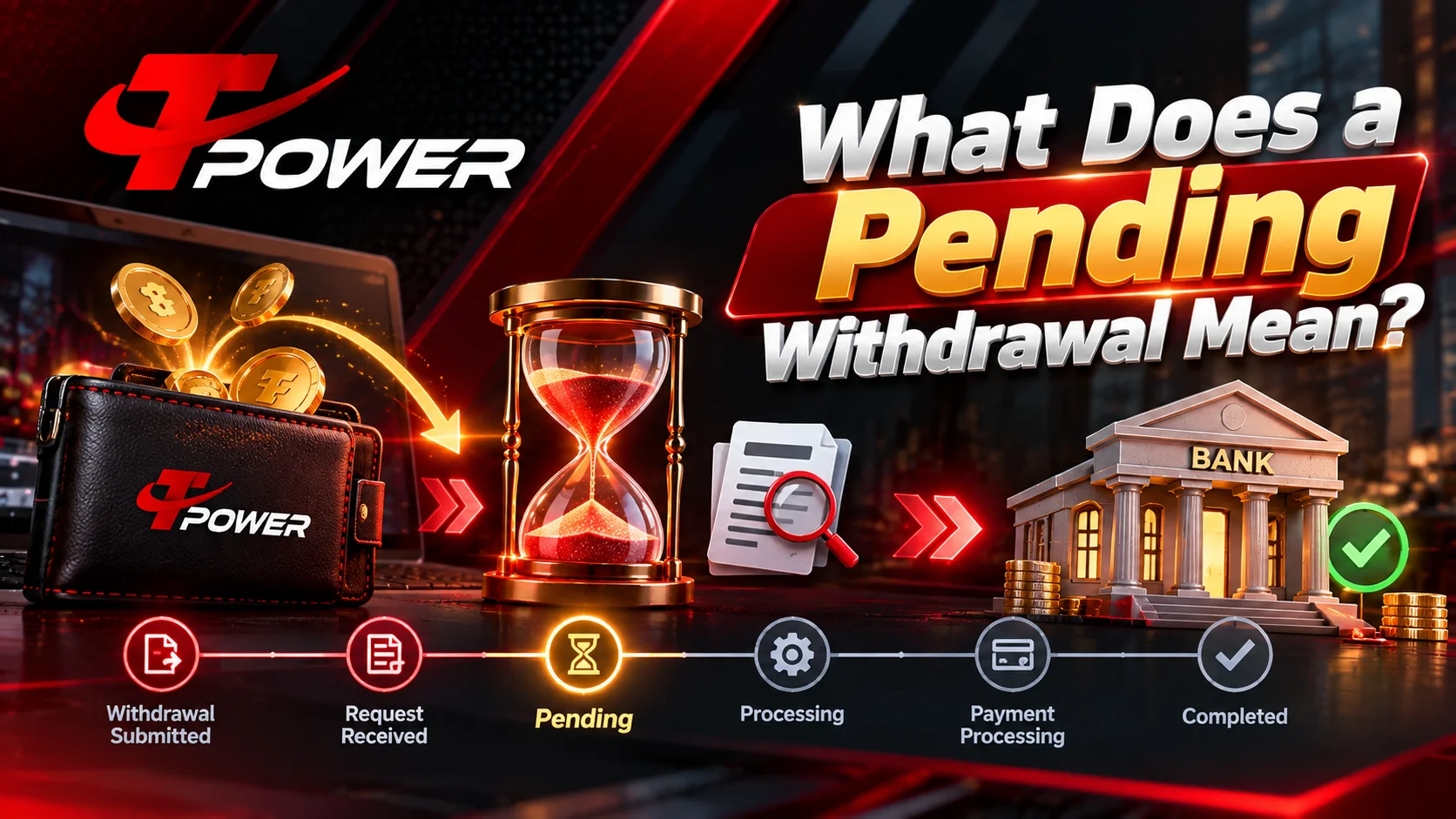
A pending withdrawal generally means that a submitted withdrawal request has not yet reached its final status.
It does not necessarily mean the transaction has failed.
A withdrawal may move through different processing stages before completion. A simplified transaction journey can look like:
The exact terminology displayed inside an account may differ.
For this reason, always check the status of the actual transaction instead of assuming that a delay means rejection.
Existing users who need to access their accounts can use Tpower Login and then locate the relevant transaction or account-history section.
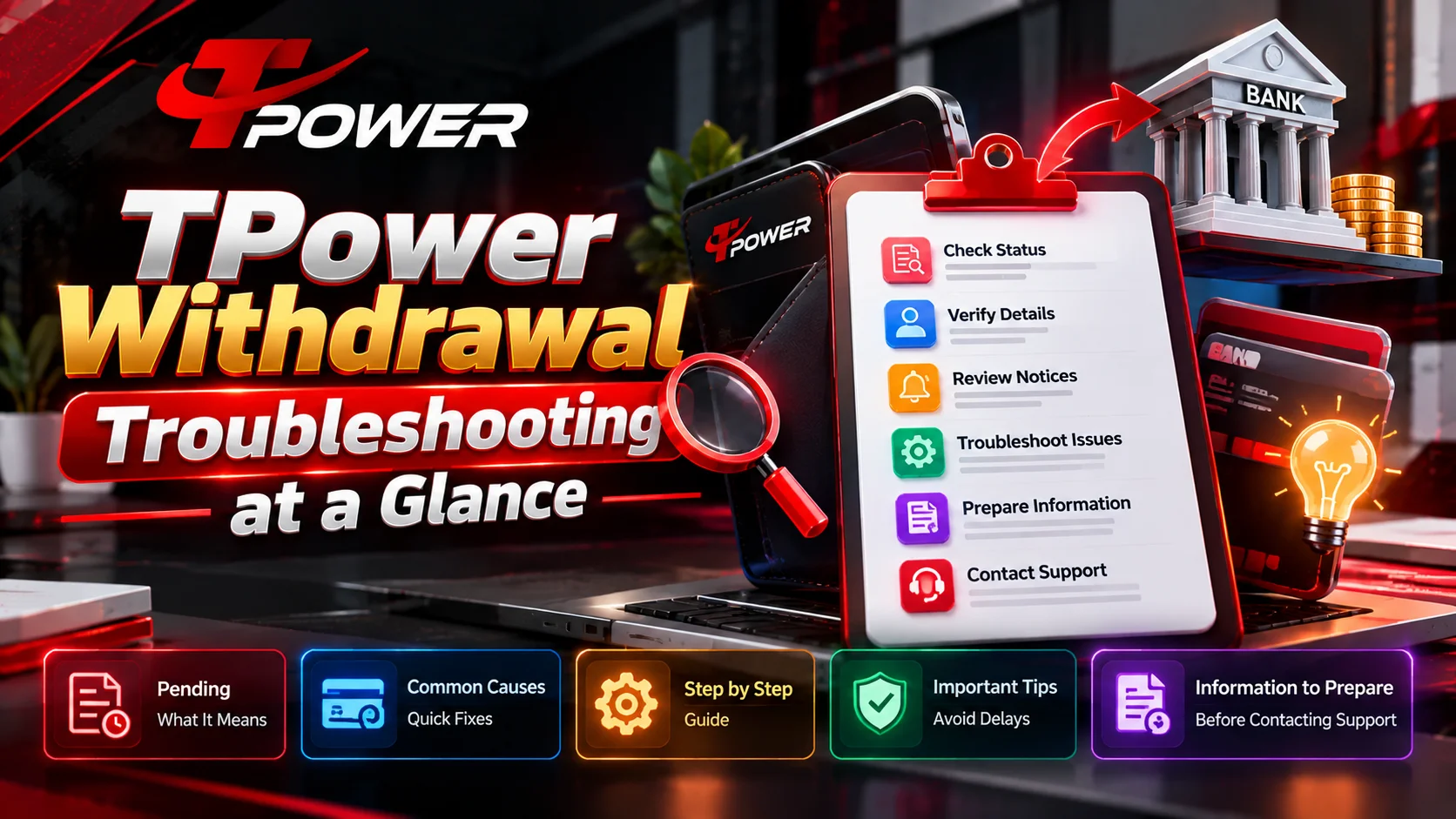
TPower Withdrawal Troubleshooting at a Glance
Use the following table before changing anything or submitting another request.
| Situation | What It Could Mean | Recommended Check |
|---|---|---|
| Withdrawal shows Pending | Request may still be processing | Monitor the existing transaction |
| Information appears incorrect | Submitted details may need attention | Verify the relevant payment information |
| Account has a notice | Additional account action may be required | Review the notice carefully |
| Withdrawal was rejected | A requirement may not have been satisfied | Check the displayed reason |
| Status says Completed | Platform-side processing may have finished | Check the intended receiving account |
| Page isn’t updating | Browser/session information may be outdated | Refresh or sign in again |
| Status remains unchanged unusually long | Additional assistance may be appropriate | Prepare the transaction details |
| Multiple requests exist | Each transaction may require separate tracking | Stop creating unnecessary duplicates |
The key is to diagnose the specific transaction status before deciding what to do next.
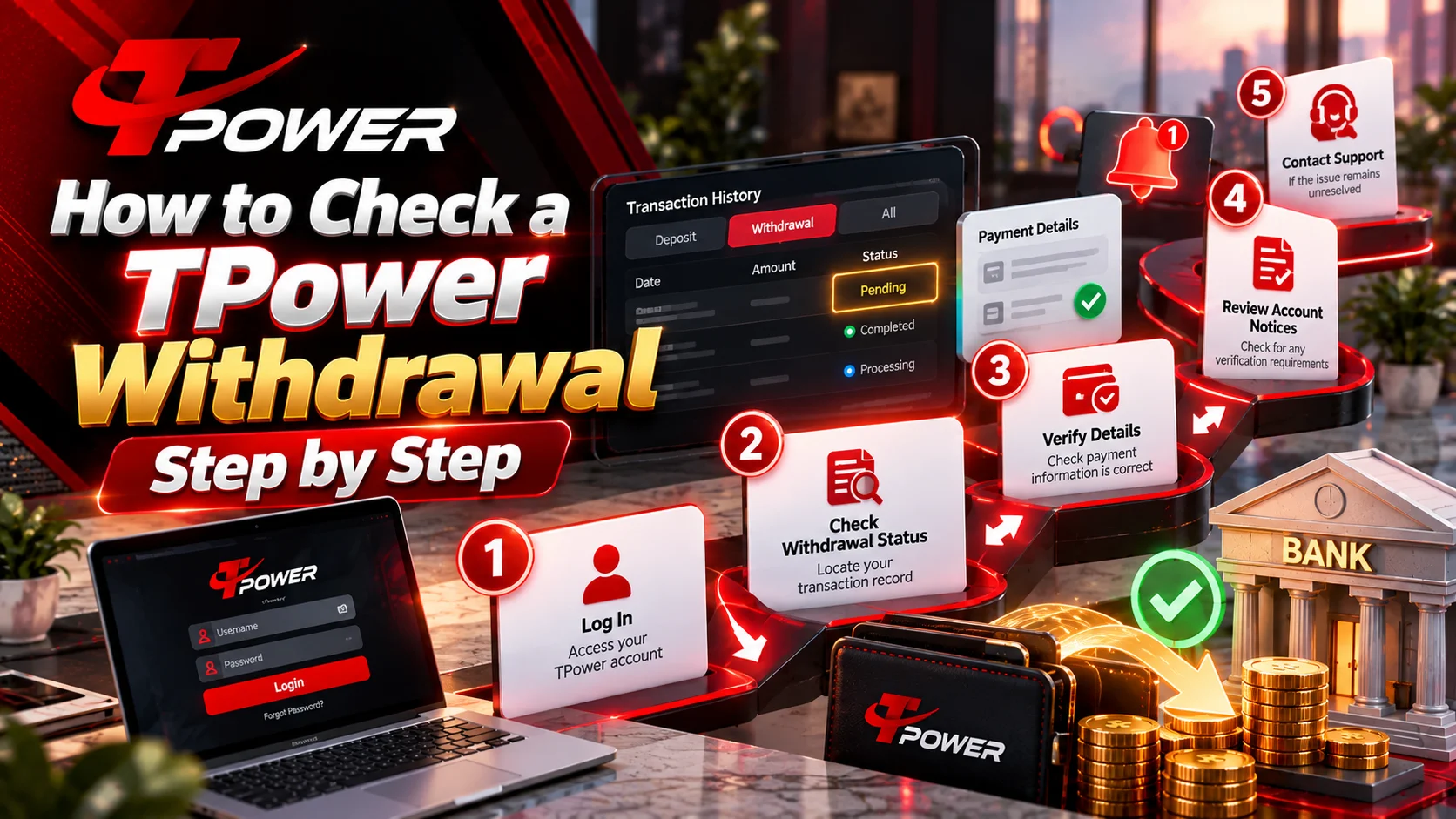
How to Check a TPower Withdrawal Step by Step
Step 1: Log In to Your Account
Start with the account in which the original withdrawal was submitted.
Use Tpower Login and enter your own account credentials.
After signing in, navigate to the area containing your wallet, transaction history, withdrawal history or equivalent account records.
Locate the transaction you want to investigate.
What to record:
- Submission Time: Note when you submitted the request.
- Withdrawal Amount: Confirm that you are checking the correct transaction.
- Current Status: Record exactly what the interface displays.
- Reference Number: Save the transaction ID or reference number if one is provided.
Do not rely only on whether money is visible in the intended receiving account. The transaction record itself can provide important information about the current stage.
Step 2: Check the Withdrawal Status
Look at the status displayed beside the withdrawal.
The exact terminology may vary according to the current interface, but you are primarily trying to establish whether the transaction is:
- Pending: The transaction has not yet reached a final state.
- Processing: The request may currently be undergoing processing.
- Completed: The transaction is shown as completed on the platform side.
- Rejected/Failed: The request did not complete successfully.
- Cancelled: The original request is no longer proceeding.
These statuses should not be treated as interchangeable.
For example, troubleshooting a pending request is different from investigating a transaction already marked completed.
Take a screenshot for your records if necessary, but make sure sensitive account information is not exposed.
Step 3: Check the Submitted Payment Details
Next, verify the information associated with the withdrawal.
Account Holder Information: Check whether the information corresponds with the intended receiving account.
Payment Destination: Confirm that the selected payment destination is the one you intended to use.
Entered Information: Look for typing mistakes or incomplete information.
Recent Changes: If account or payment information was recently changed, check whether the account displays an additional requirement.
Do not publish private payment information or send sensitive financial credentials through public communication channels.
If assistance is required, provide only the information legitimately needed to identify the transaction.
Step 4: Check Account Verification and Notices
Review your account for any notices requesting additional action.
If a legitimate verification requirement is displayed, follow the appropriate account procedure rather than attempting to bypass it.
Users who actually need to create a new account can refer to Tpower Register.
However, an existing user should not create another account merely because one withdrawal is pending.
The original transaction remains associated with the account from which it was submitted.
Step 5: Refresh the Account Session
If the transaction page appears outdated, blank or unresponsive, perform basic browser troubleshooting.
- Refresh Page: Reload the account interface to retrieve the latest available page information.
- Re-Authenticate: Log out normally and sign back in.
- Check Another Browser: Compare the page in another current browser if the interface isn’t displaying correctly.
- Check Connection: Make sure your internet connection is stable.
- Clear Relevant Site Data: If the interface appears stuck, clearing outdated cache/site data may help.
- Recheck Transaction History: Return to the original withdrawal record after signing back in.
These actions address display and session problems. They do not guarantee that an underlying payment transaction will process faster.
For broader account troubleshooting information, users can visit Tpower Help.
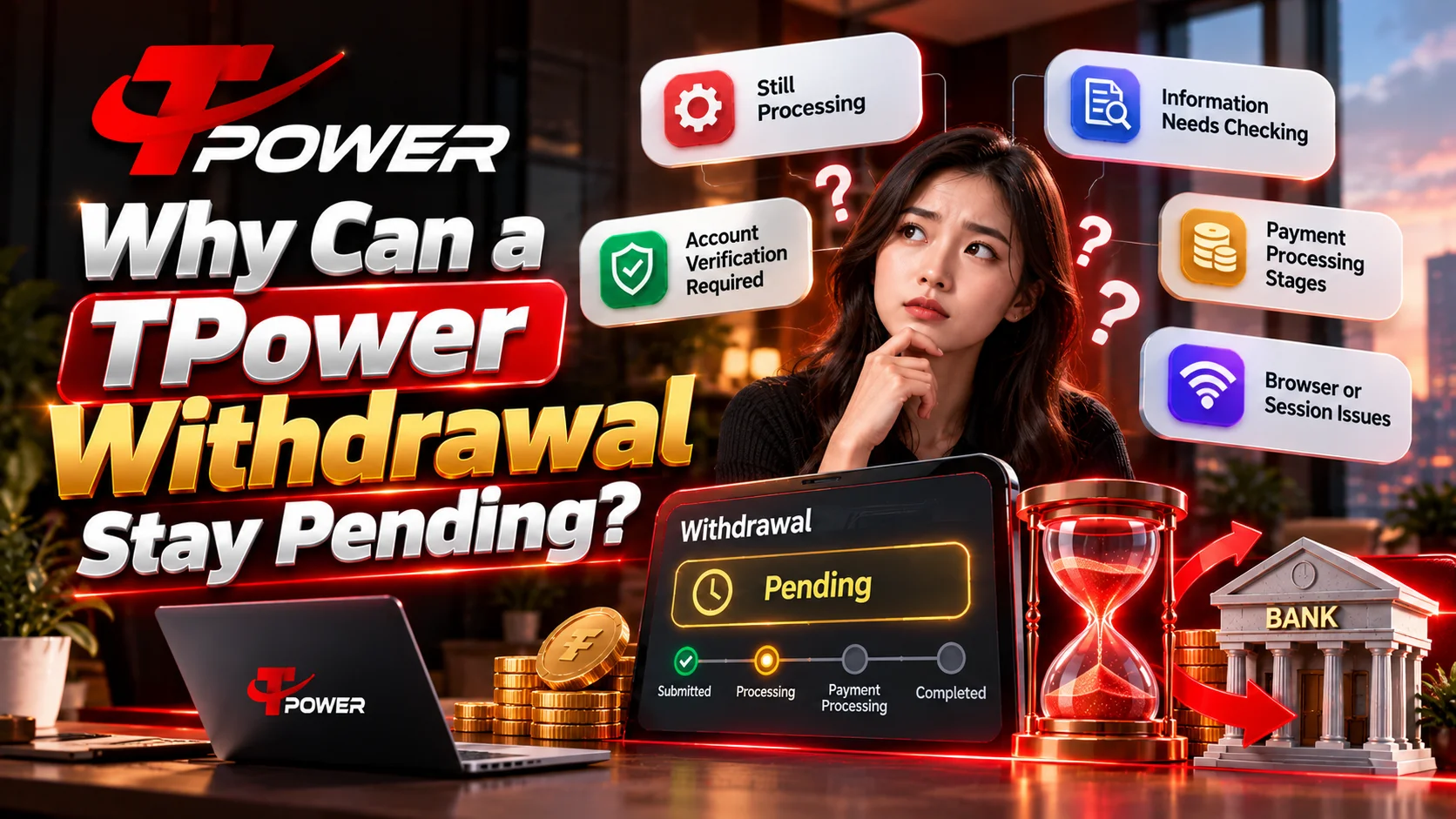
Why Can a TPower Withdrawal Stay Pending?
There isn’t one universal explanation for every pending withdrawal.
Different circumstances can result in a similar status.
1. The Request May Still Be Processing
The simplest explanation is that the transaction has not yet completed.
Submission and completion are two different stages.
If the transaction is genuinely still processing, repeatedly cancelling, resubmitting or changing account information can make the situation more difficult to track.
Recommended action: Continue monitoring the original transaction unless the interface instructs you to take another action.
2. Submitted Information May Need Checking
Incorrect or incomplete information can create problems during a financial transaction.
Review the relevant details carefully.
Recommended action: Compare the information associated with the withdrawal with the intended payment destination.
Do not guess or repeatedly change details without understanding what requires correction.
3. Additional Account Action May Be Required
An account may display a notice requiring additional information or another legitimate account action.
Recommended action: Check your account dashboard and transaction area for visible notices.
If a requirement is displayed, address that requirement before attempting repeated transactions.
4. Payment Processing Can Involve More Than One Stage
It is important to distinguish between the platform’s transaction status and what appears at the intended receiving destination.
For example:
“My withdrawal is still marked pending.”
“My withdrawal is marked completed, but I don’t see the funds at the destination.”
Those situations should not automatically receive the same troubleshooting response.
Recommended action: Determine which side of the transaction is actually unresolved before requesting assistance.
5. Browser or Session Information May Be Outdated
Sometimes the account interface itself may not be displaying current information properly.
This can happen because of browser caching, an expired session, connectivity problems or another temporary interface issue.
Recommended action: Refresh the page, sign in again and check the original transaction record.
Avoid assuming that a display issue means the financial transaction itself has failed.
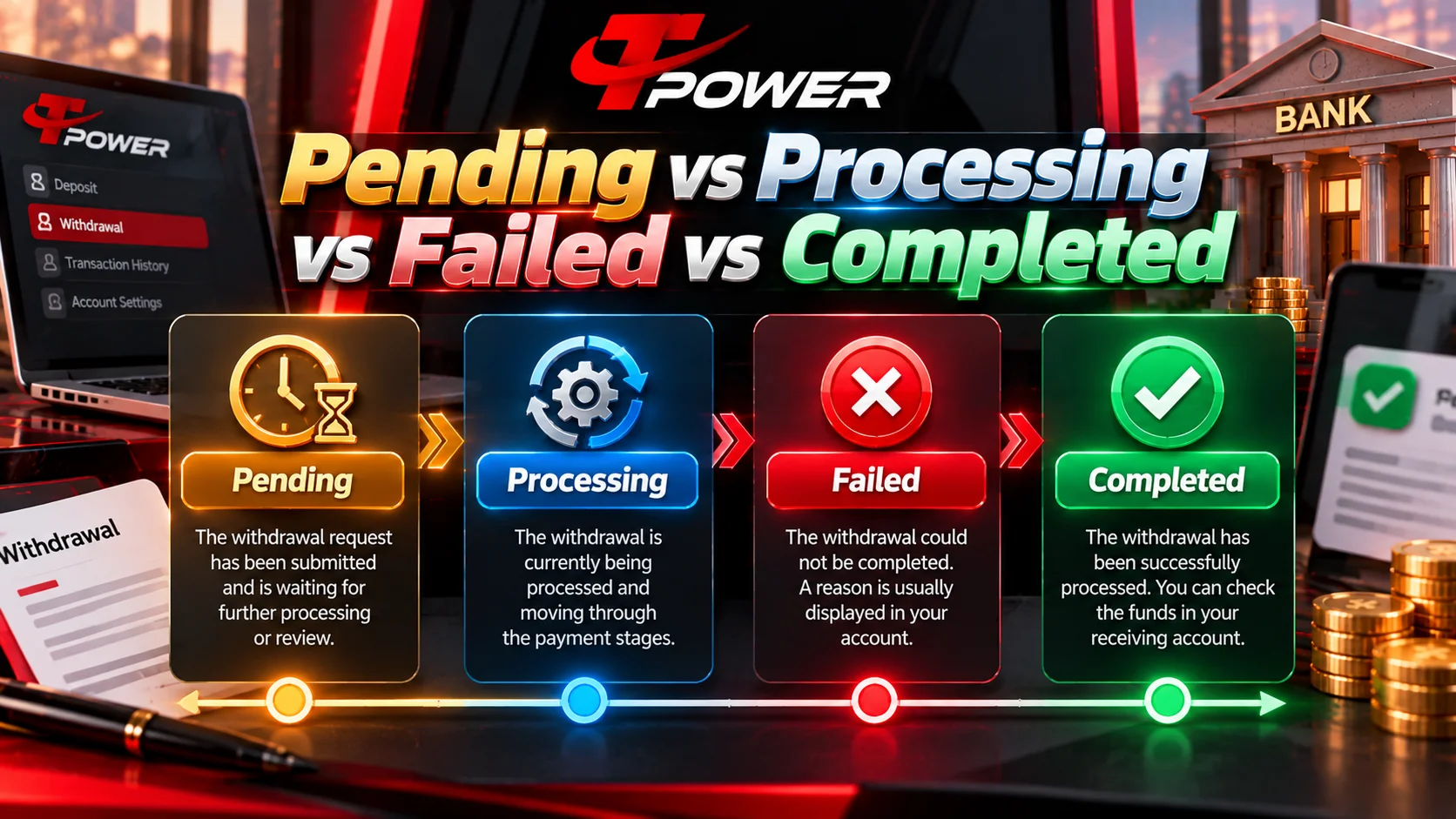
Pending vs Processing vs Failed vs Completed
Understanding the status is one of the most important parts of withdrawal troubleshooting.
Pending
The request has been submitted but has not reached a final state.
What to do: Monitor the transaction, verify the information and check for account notices.
Processing
The request may currently be moving through the relevant processing stage.
What to do: Avoid unnecessary duplicate requests and continue monitoring the original transaction.
Failed or Rejected
The transaction did not complete successfully.
What to do: Look for a displayed reason or account instruction before attempting another withdrawal.
Completed
The platform indicates that its processing stage has completed.
What to do: Check the intended receiving destination and verify that the submitted information was correct.
Cancelled
The transaction is no longer proceeding.
What to do: Determine why it was cancelled before deciding whether another transaction should be submitted.
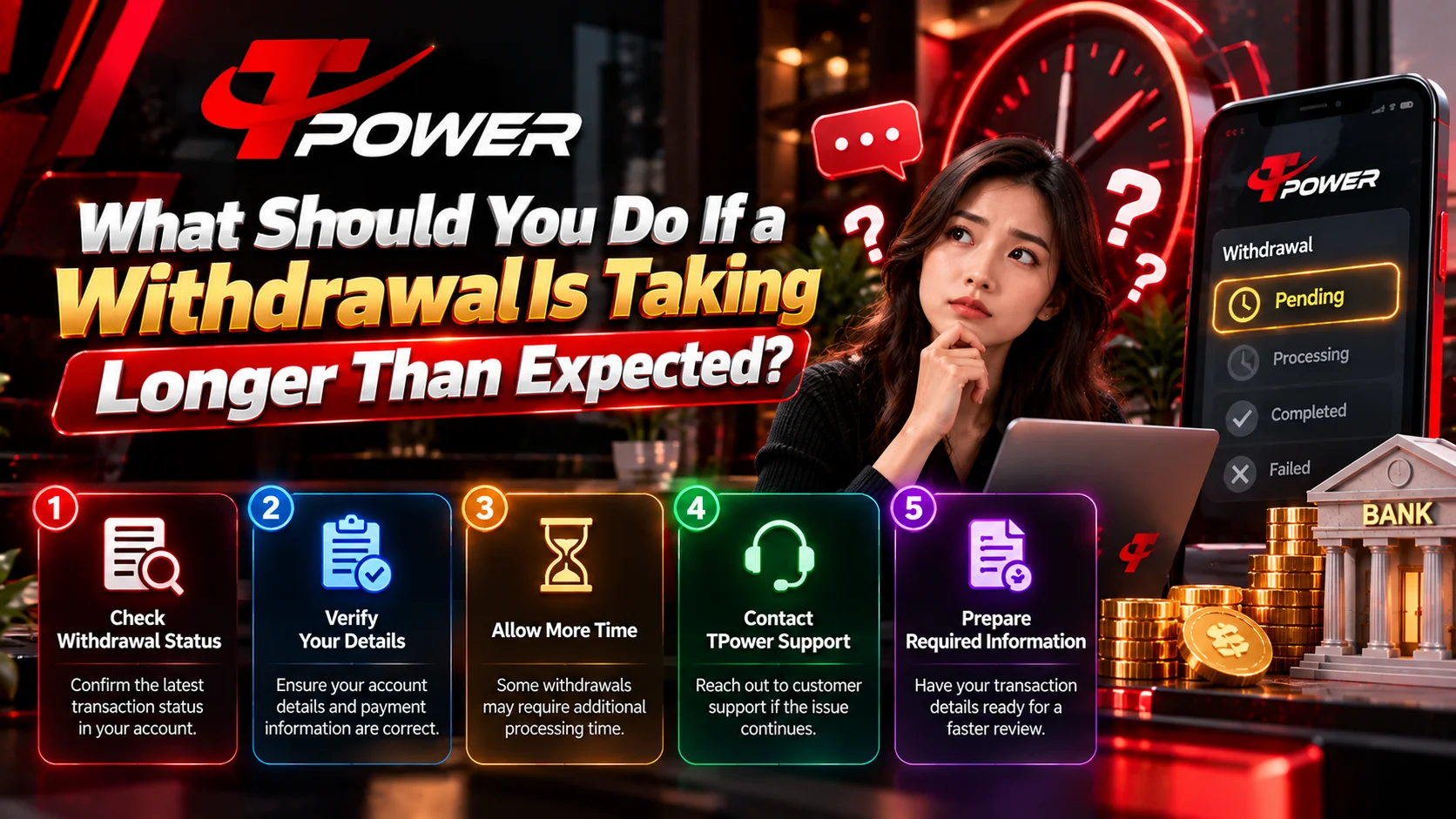
What Should You Do If a Withdrawal Is Taking Longer Than Expected?
Avoid guessing at the cause.
Instead, build a clear record of the transaction.
Prepare the following information:
- Transaction Date: Record the date on which the request was submitted.
- Transaction Time: Record the approximate submission time.
- Withdrawal Amount: Confirm the exact transaction you are investigating.
- Payment Method: Note the payment method associated with the request.
- Current Status: Record the exact wording displayed in your account.
- Reference ID: Save the transaction/reference number if available.
- Screenshot: Keep a screenshot of the status if useful.
Security Reminder: Do not expose passwords, OTPs or unnecessary financial credentials in screenshots.
If the transaction remains unresolved beyond the applicable processing information shown by the service, use the appropriate support route.
Additional account assistance can be found through Tpower Help.

Information to Prepare Before Contacting Support
A clear request makes troubleshooting easier.
Sending only:
“Withdrawal pending. Please check.”
provides very little context.
Instead, prepare a concise description such as:
“My withdrawal submitted on [date/time] is currently showing [status]. The transaction/reference ID is [reference]. I have checked the submitted information and would like assistance confirming the current status.”
Provide only information necessary to identify the transaction.
Never Share These Details
- Account Password: Your password should remain private.
- OTP: Never disclose a one-time password unnecessarily.
- Recovery Information: Keep authentication and recovery codes confidential.
- Full Banking Credentials: Do not publicly expose sensitive banking information.
- Unnecessary Personal Data: Only provide information legitimately required for assistance.
Security Reminder: Protecting the account is more important than trying to accelerate a transaction through an unknown third party.

Should You Submit Another Withdrawal While One Is Pending?
Generally, avoid submitting duplicate requests simply because the first request remains pending.
Another transaction does not necessarily cause the original transaction to complete faster.
Instead, use this sequence:
- Locate Original Request: Find the withdrawal in your transaction history.
- Confirm Current Status: Determine whether it is pending, processing, completed, rejected or cancelled.
- Verify Submitted Details: Check the information associated with the transaction.
- Review Account Notices: Look for outstanding requirements.
- Wait Where Appropriate: Allow the existing transaction to progress when it is legitimately still processing.
- Prepare Transaction Information: Save the reference number and other relevant details.
- Request Assistance: Contact the appropriate support channel if the transaction remains unresolved.
This gives you one transaction to investigate instead of several potentially overlapping requests.

Should You Create Another Account?
A pending withdrawal alone is not a reason to create another account.
If you already have access to the account used to submit the transaction, continue troubleshooting through that account.
Creating another account does not change the status of a transaction associated with the original account.
Existing users should therefore continue through Tpower Login .
Tpower Register should be used when someone genuinely needs the registration information rather than as a workaround for a pending transaction.
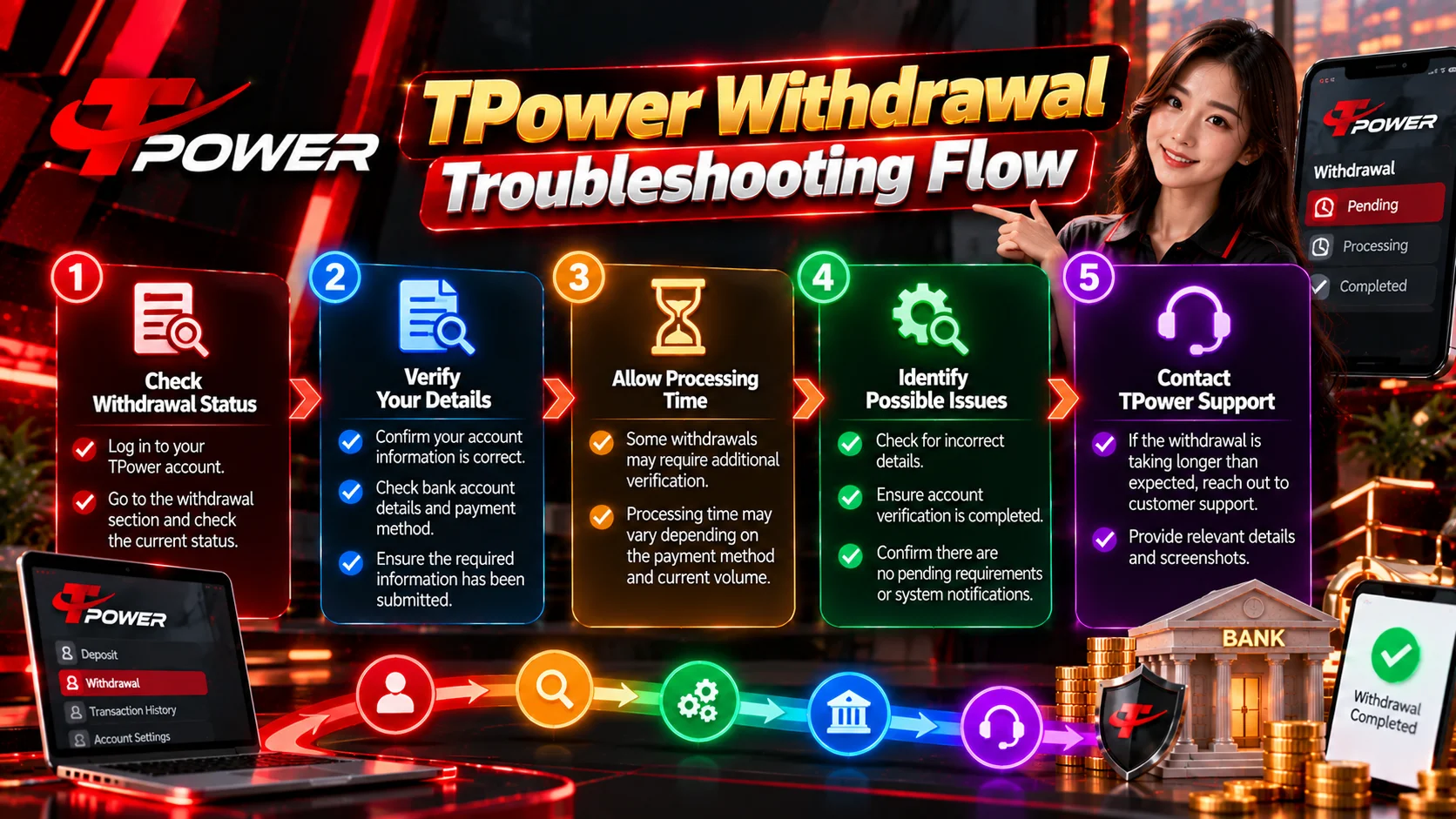
TPower Withdrawal Troubleshooting Flow
For a straightforward troubleshooting process, follow these steps in order:
- Log In: Access the account from which the withdrawal was submitted.
- Locate the Transaction: Open the appropriate transaction or withdrawal history.
- Read the Status: Determine whether it is pending, processing, completed, failed/rejected or cancelled.
- Verify the Details: Check the relevant account and payment information.
- Review Account Notices: Look for any legitimate verification or action requirements.
- Avoid Duplicate Requests: Don’t repeatedly submit the same transaction while the original remains unresolved.
- Record the Transaction: Keep the amount, date, status and reference ID available.
- Request Assistance if Necessary: Use the appropriate support channel if the transaction remains unresolved.
Following a consistent sequence makes it easier to identify where the problem may be occurring.
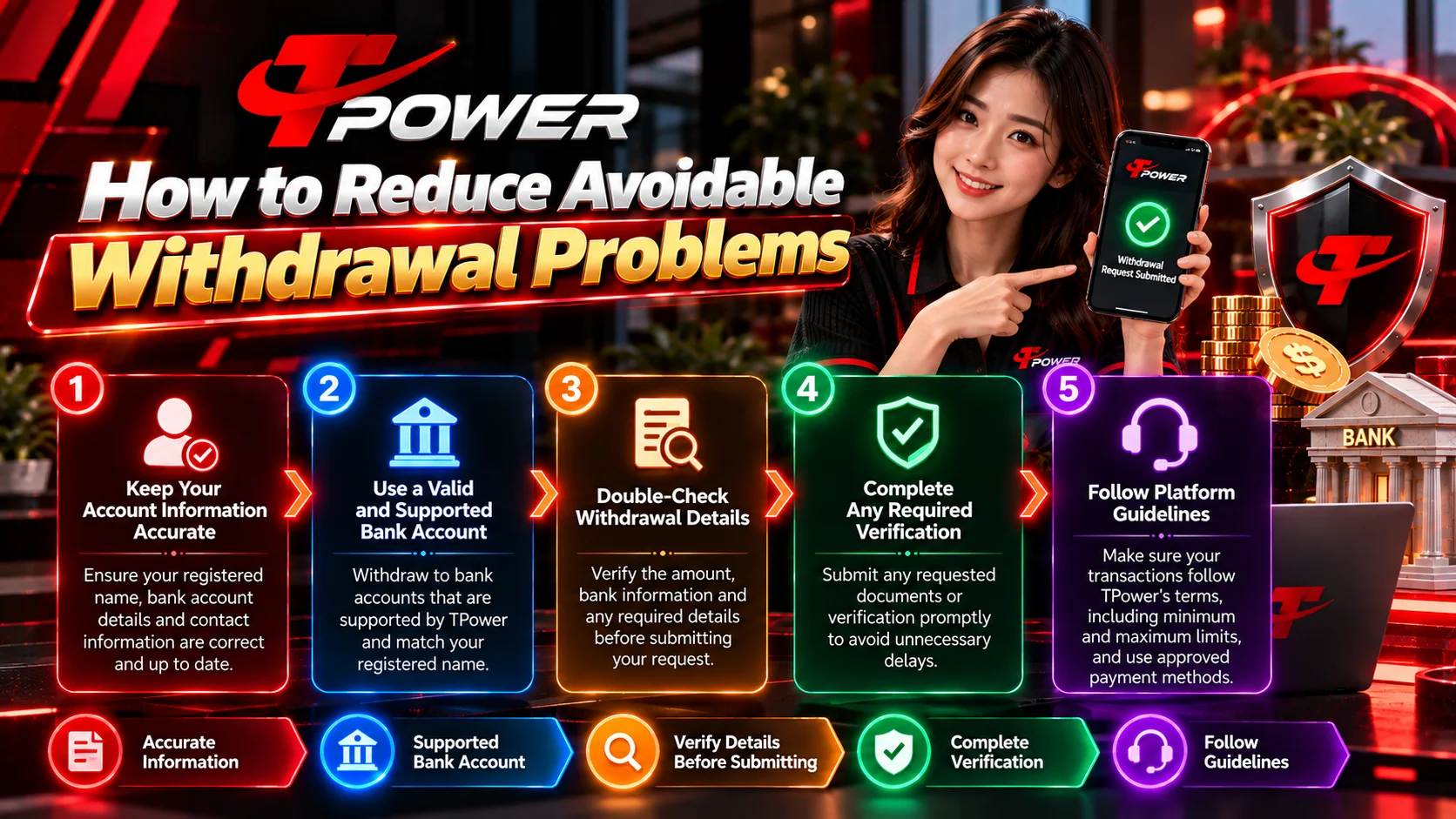
How to Reduce Avoidable Withdrawal Problems
Not every processing delay can be prevented, but good account practices can reduce avoidable problems.
- Verify Before Submitting: Review relevant payment information before confirming a withdrawal.
- Maintain Accurate Information: Keep applicable account information current.
- Use Your Existing Account: Don’t create unnecessary accounts to work around transaction issues.
- Save Reference Numbers: Keep important transaction IDs for later reference.
- Check Before Resubmitting: Understand the original transaction status before creating another request.
- Use Trusted Routes: Access account and support resources through your normal trusted route.
- Protect Credentials: Never expose authentication information unnecessarily.
These habits also make troubleshooting much easier if assistance becomes necessary.

Account Security During Withdrawal Troubleshooting
Withdrawal problems can make users more vulnerable to impersonation or phishing because they may be actively looking for immediate assistance.
Be particularly careful if someone unexpectedly claims they can “release,” “unlock” or “speed up” a withdrawal in exchange for account credentials.
Never unnecessarily provide:
- Password
- OTP
- Recovery codes
- Authentication credentials
- Sensitive financial information
Access the platform through your normal trusted route.
Users looking for the main website can start from Tpower Online Casino Malaysia .
Another branded variation users may encounter is T Power .

TPower Resources and Platform Sections
Withdrawal troubleshooting should remain the primary subject of this guide. If you are looking for a different area of the platform, use the relevant resource below.
For account creation, visit Tpower Register .
Existing account holders can use Tpower Login .
For account assistance and troubleshooting resources, see Tpower Help .
For current platform offers and applicable terms, see Tpower Promotion .
Other platform categories include:
Membership-related information can be found through Tpower VIP .
Keeping these category links in a dedicated resource section avoids interrupting the withdrawal troubleshooting instructions with unrelated topics.
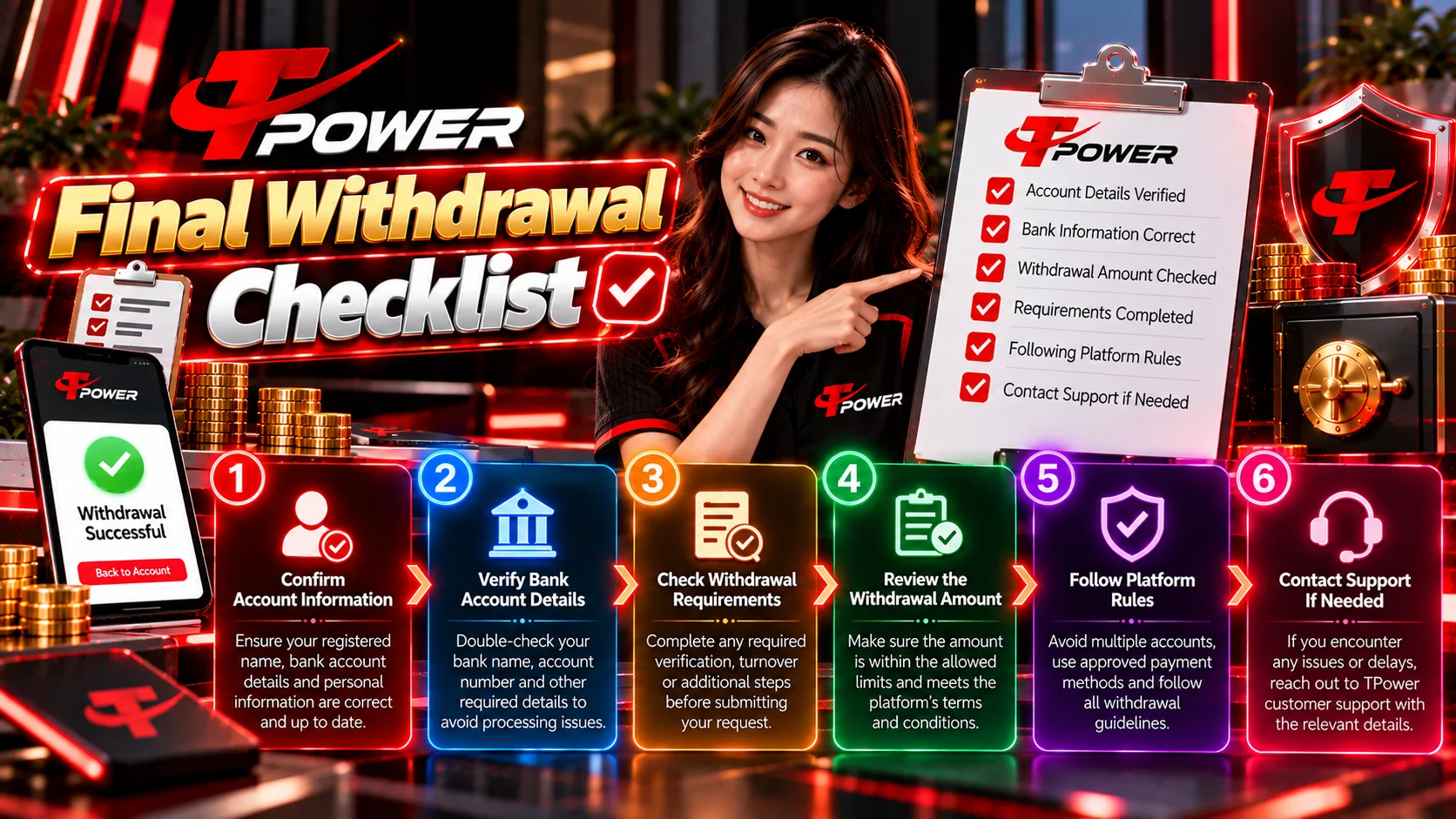
Final Withdrawal Checklist
Before taking further action, confirm that you have completed the following:
- Transaction Located: You found the original withdrawal in your account.
- Status Confirmed: You know whether it is pending, processing, completed, rejected or cancelled.
- Details Checked: You reviewed the relevant submitted information.
- Notices Reviewed: You checked for legitimate account requirements.
- Duplicate Requests Avoided: You haven’t repeatedly submitted the same request without understanding the original status.
- Reference Saved: You recorded the transaction/reference ID where available.
- Credentials Protected: You have not disclosed passwords or OTPs.
- Support Information Prepared: You have the relevant transaction details available if assistance becomes necessary.
A TPower withdrawal pending status should therefore be approached systematically rather than by repeatedly resubmitting the transaction.
Start with the transaction record, determine its current status, verify the relevant details and review any account notices.
If the transaction remains unresolved beyond the applicable processing information, prepare the transaction reference and relevant details before requesting assistance.
For existing account access, use Tpower Login .
For additional troubleshooting resources, visit Tpower Help .
Frequently Asked Questions About TPower Withdrawal Pending
Why is my TPower withdrawal pending?
A pending status generally means the transaction has not yet reached a final state. Check the transaction record, submitted information and any account notices before taking further action.
Does pending mean my withdrawal failed?
No. Pending and failed are different transaction states. A pending request may still be processing, whereas a failed or rejected request has not completed successfully.
What should I check first?
Start with the original transaction in your account. Check its current status, amount, submitted information and any notices associated with your account.
Should I submit the withdrawal again?
Avoid creating duplicate requests solely because the first withdrawal is still pending. Check and troubleshoot the original transaction first.
What if my withdrawal says completed but I haven't received it?
First confirm that you are checking the intended receiving destination and that the submitted information was correct. A transaction displayed as completed represents a different troubleshooting situation from one that remains pending. If the issue persists beyond the applicable processing information, request assistance using the transaction reference.
Can refreshing the page make my withdrawal process faster?
No. Refreshing can help if your browser is displaying outdated account information, but it does not itself accelerate an underlying financial transaction.
What information should I prepare for support?
Prepare the transaction date and time, withdrawal amount, payment method, current status and transaction/reference ID where available.
Should I send my password or OTP to support?
Do not unnecessarily disclose your password, OTP, recovery codes or other authentication credentials.
Can I create another account if my withdrawal is pending?
A pending transaction does not by itself require another account. Troubleshoot the transaction through the account from which it was originally submitted.
Where can I find account assistance?
Visit Tpower Help for relevant account assistance and troubleshooting resources.